SenSightSefer Türkçe Sign in Request a demo

For intercity bus operators

Office, driver and bus attendant on the same trip, in the same system.

Plan the trip, sell the ticket at the counter, and let the attendant follow passengers on a phone. The driver's driving time, tachograph records and U-ETDS reports are on record for every trip.

Pricing is quoted for your fleet. A pilot for the first operators: start with a few vehicles.
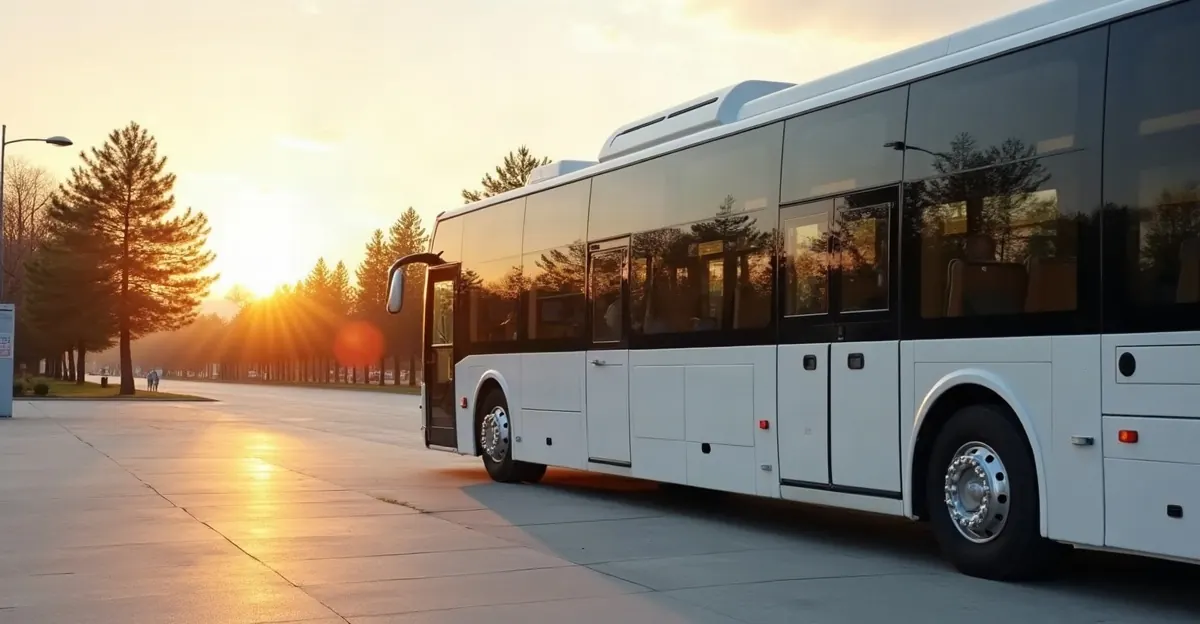
A white intercity coach waiting at a bus terminal platform in the morning light

Three people, one system

Ticket office and management

Works alongside your ticketing program, and can take over sales if you wish: counter sales, reservations, fare table, trip plan, reports by sales channel and by seller, and each trip's income–expense–net summary.

Bus attendant

A seat grid on the phone: who boards where and gets off where. Boarding, alighting, roadside passengers, luggage, parcel handover. If the internet drops it keeps working and sends once connected.

Driver

Today's trip, vehicle and documents at a glance. A driving-time counter warns as the break approaches.
What does it do?

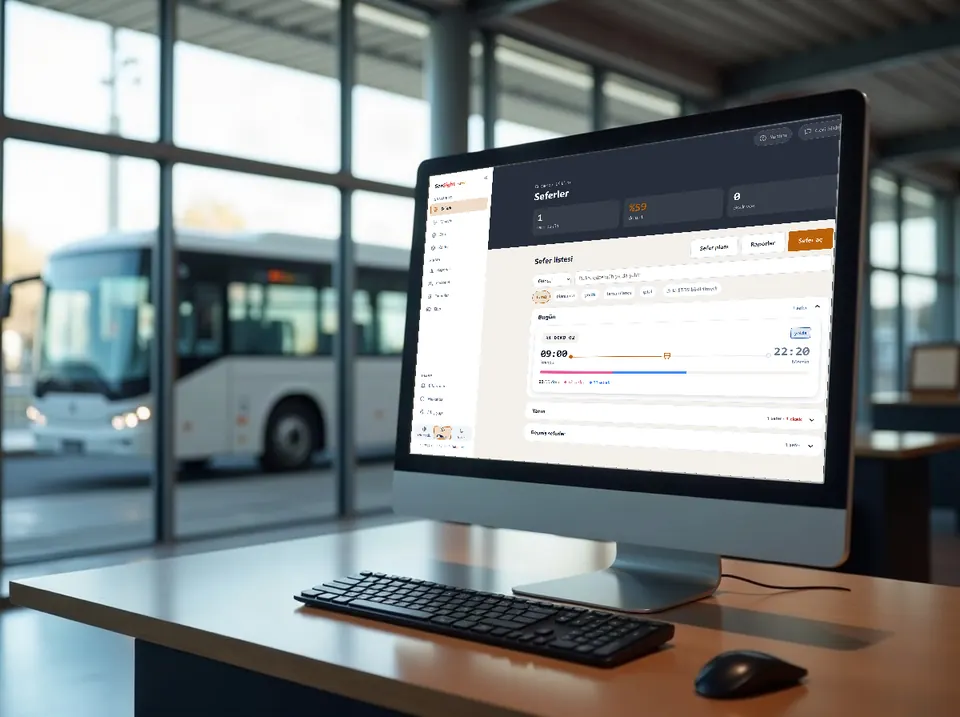
The SenSight Sefer trip list on an office monitor: today's trip, occupancy and missing items

Every trip from the ticket office

Trip plan, counter sales and each trip's income–expense summary on one screen.
  • Trip plan and daily trips: vehicle, driver and attendant assignment
  • Counter sales, reservations and fare table
  • Reports by sales channel and by seller
  • A clerk selling tickets for several operators works as one person with separate rights at each; the operators' data never mix
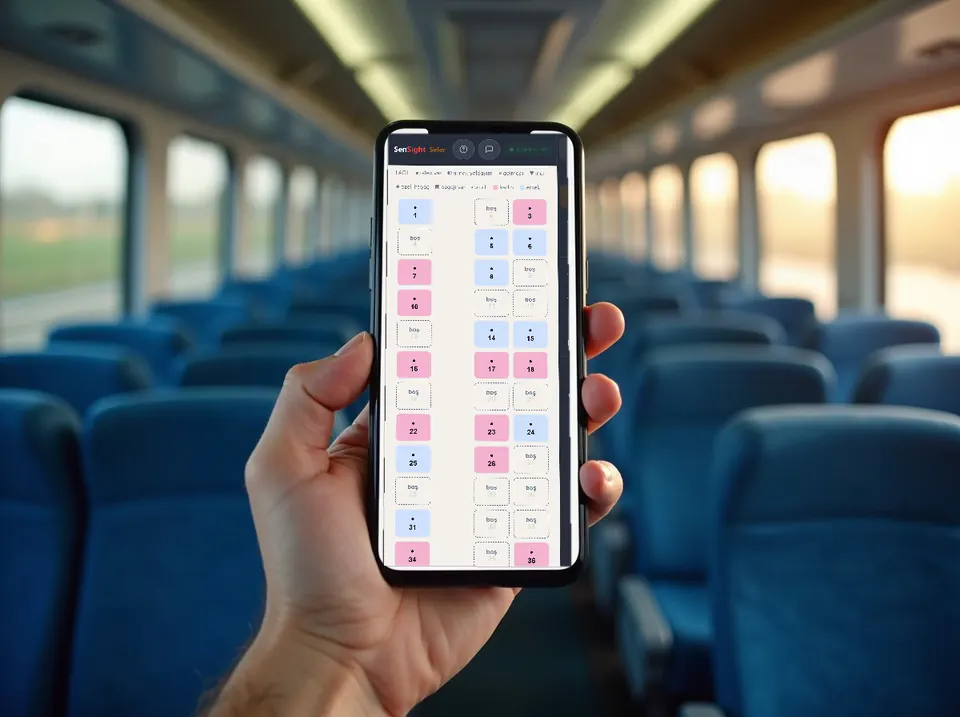
A phone held in a coach aisle showing the bus attendant's seat grid

A seat grid on the attendant's phone

Who boards where and gets off where, at a glance.

  • Boarding by QR code; without the QR, by the last 4 digits of the ID
  • The same seat is sold more than once between non-overlapping stops
  • A reminder appears when a woman and a man are seated side by side
  • If the internet drops it keeps working; it sends once connected
At a roadside stop in the evening the bus attendant welcomes a boarding passenger

Roadside passengers

A passenger who boards outside the terminal is recorded on the spot.
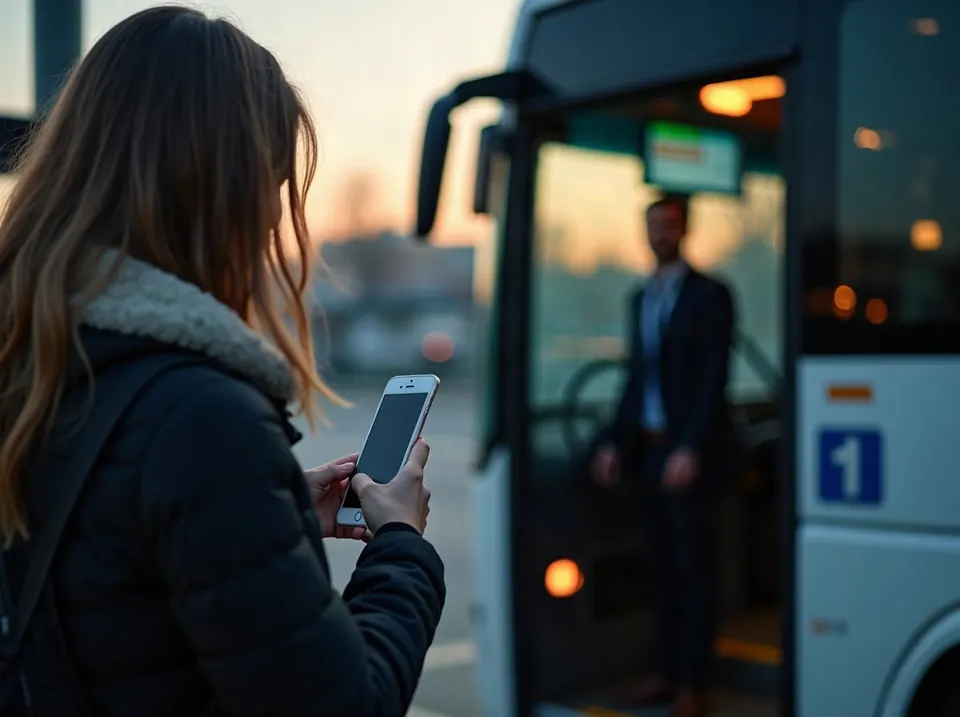
  • The attendant records the stop, the seat and the fare suggested by the fare table
  • The ticket is issued at once; a boarding code goes to the passenger's phone if wanted
  • The passenger also enters the U-ETDS list, so the trip is not under-reported
  • Without internet the record is not lost; it is sent once connected
At the coach door a passenger shows a phone to the attendant

Boarding pass on the phone

The link sent to the passenger opens the boarding pass; no internet needed at the door.

  • Route, date, departure, seat, the bus's plate, estimated arrival and a QR code
  • One tap saves the pass as an image; it is scanned from the gallery
  • A parcel recipient gets a pass the same way
A cardboard parcel changing hands next to the coach's luggage hold

Parcels

A parcel sent without a passenger is on record from acceptance to delivery.
  • A tracking number is assigned automatically and printed on the receipt
  • A photo is taken at acceptance and deleted 15 days after delivery
  • The delivery code goes only to the recipient's phone; the attendant hands over with it even without internet
  • If the recipient does not come, the office is reminded and the recipient gets a text message
  • Who pays and whether it was collected is recorded; without the code, delivery against ID
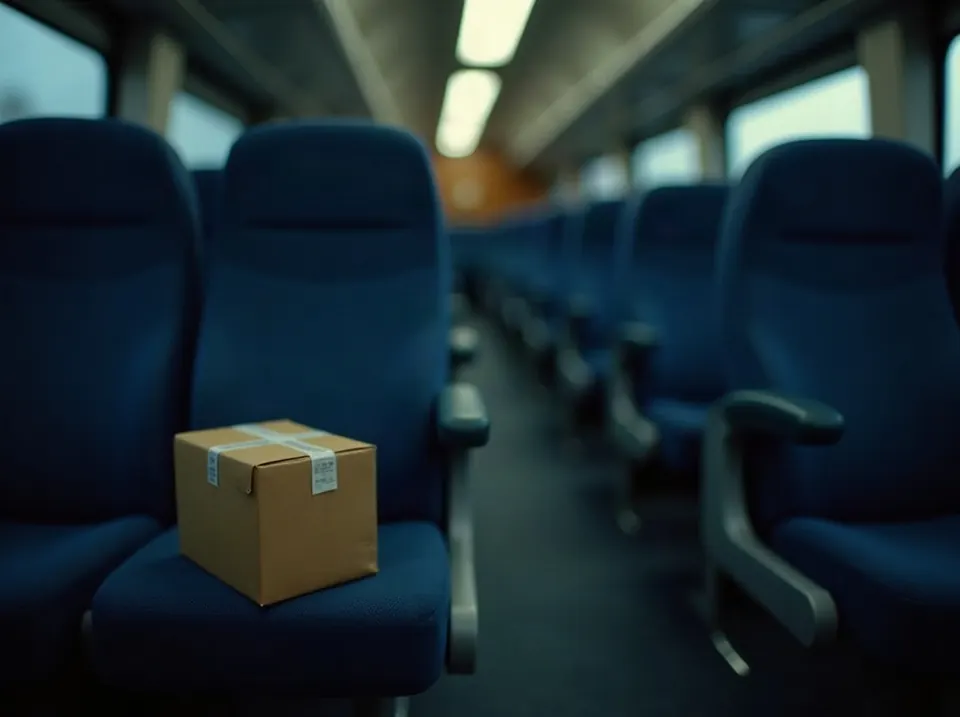
A cardboard parcel left on an empty coach seat at night

Forgotten tasks are reminded

What slips through when work piles up shows at the top of the screen and as a notification.
  • A passenger not marked as boarded, a parcel left in the vehicle, a delivery whose code was not given
  • The attendant gets the attendant's tasks, the office the office's; shared ones go to both
  • Once done, the warning clears by itself
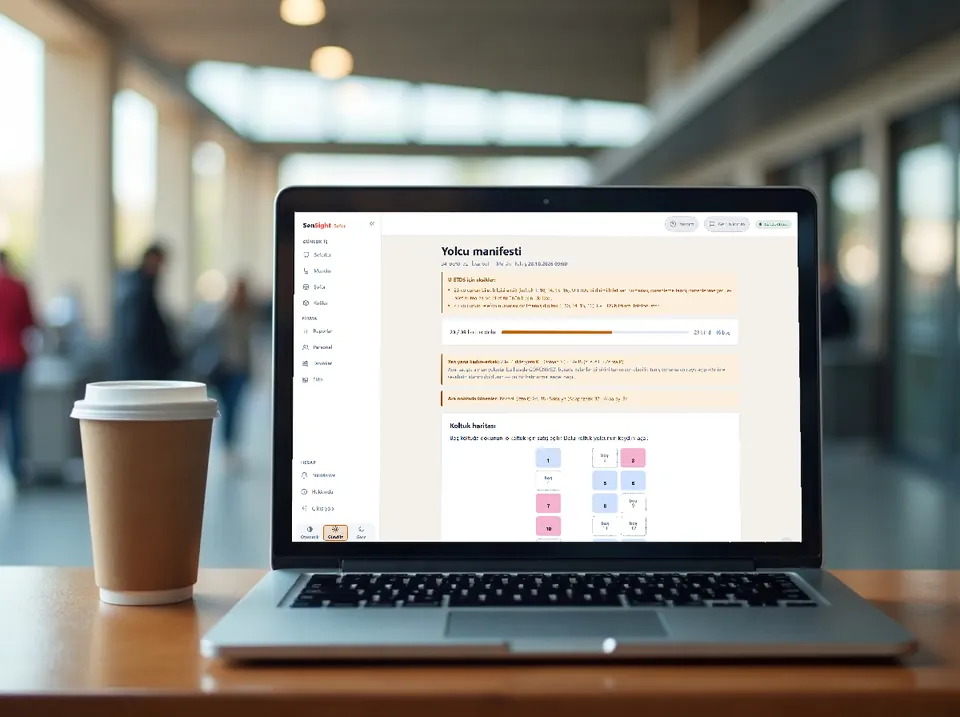
A laptop on the ticket counter showing the passenger manifest and missing U-ETDS items

Passenger manifest and U-ETDS

Reports enter the queue by themselves; what is missing shows in advance.

  • Trip, crew and passenger reports enter the queue automatically
  • Missing or late reports appear on the warning board
  • A passenger added after the last report is flagged separately
  • Luggage is recorded with its passenger; added or cancelled luggage is reported too
An empty highway in the late afternoon seen from the driver's seat

Driving and rest

The driver's driving time is in view on the road and during planning.
  • A 4.5-hour driving counter; warns as the break approaches
  • While planning: "can this driver legally drive this trip?"
  • It warns; the operator decides
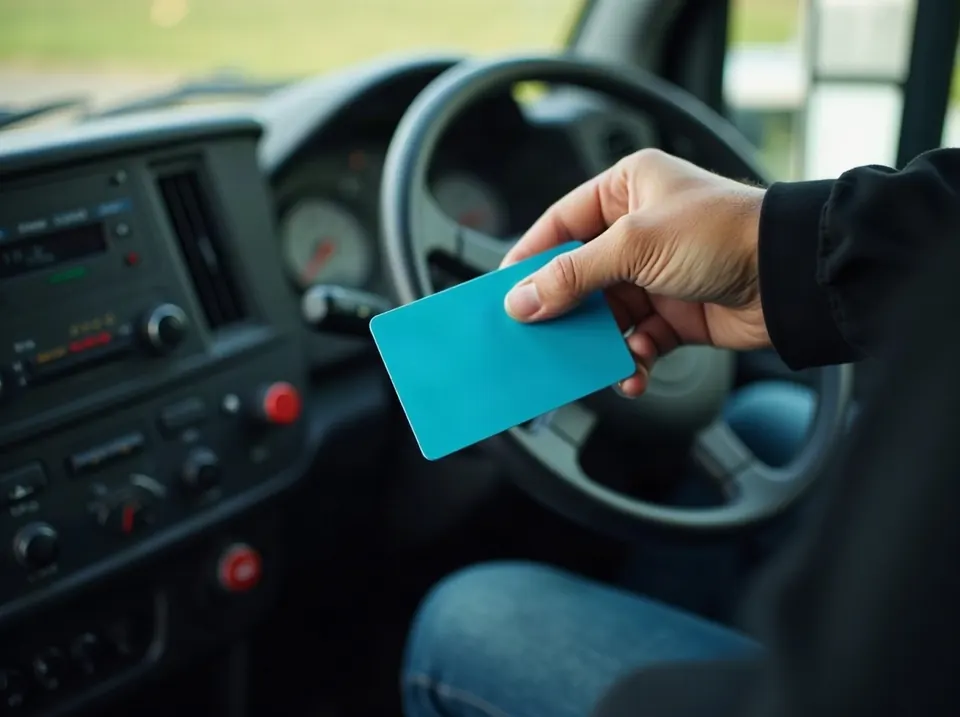
A hand holding a driver card in a coach cockpit

Tachograph

The driver card file is read and ready for inspection.
  • Infringements show at a glance on a chart
  • A printed report is ready for inspections
  • The file is stored encrypted for its legal retention period
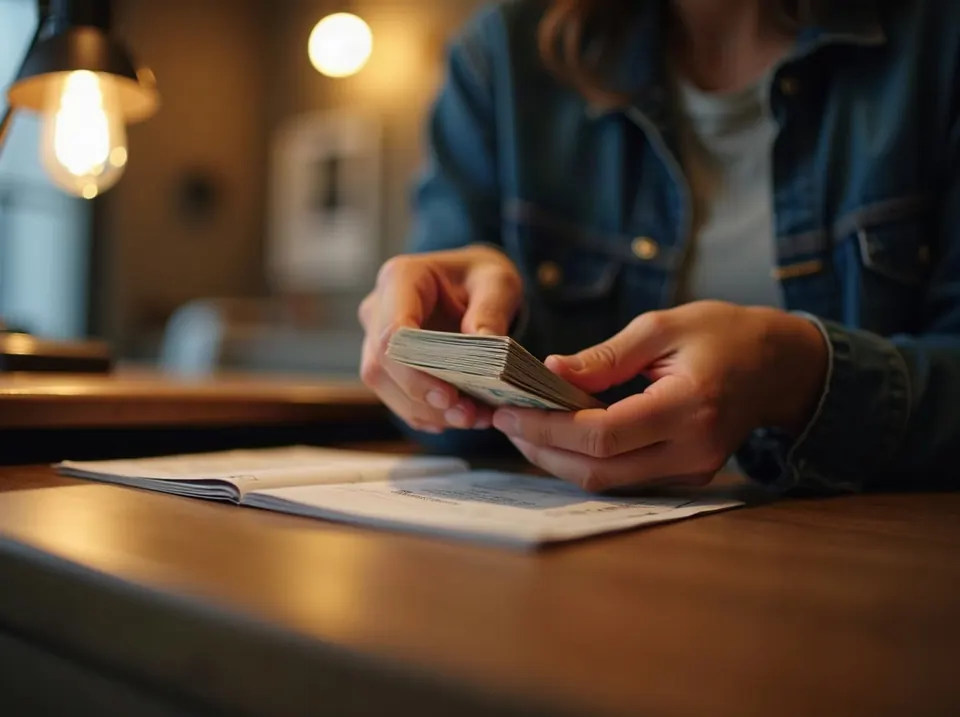
Hands counting banknotes on the ticket counter at the end of the day

End-of-day cash desk and refunds

Each seller's cash desk is kept automatically; cash is closed with a blind count.

  • The system total appears only after the count; a difference is recorded with its reason
  • A difference above the threshold awaits manager approval; whoever closes a cash desk cannot approve their own
  • For refunds a rule is suggested: more than 12 hours before departure a full refund, after that an open ticket valid for 6 months
  • A refund cancels the passenger, reports to U-ETDS and is deducted from the cash desk automatically
An envelope passed from one hand to another in a coach aisle

Cash on the road and accounting

Cash the attendant collects on the road shows who holds it until it is handed over.
  • Cash is handed to the driver or the office in the app; it changes hands when the receiver confirms
  • If money is still with the crew after the trip ends, a reminder goes out
  • At period end, sales, refunds, cash closings, parcel fees and cash handovers go to your accountant in one Excel file
Ticket offices side by side in a bus terminal hall

Branches, agencies, roles

Who holds which role on one screen; the chart draws itself.

  • Your own branches, agencies and commission agreements
  • A branch manager sees only their own branch
  • An agency contract's end is reminded 60, 30, 15, 7 and 1 day before
  • When you close an agency, its staff lose access at once

Passengers talk to you first

From the link under the boarding pass or parcel pass, a passenger sends thanks, a suggestion or a complaint without giving a name; the record arrives numbered and tied to that journey. Your reply goes out by SMS from here. A record cannot be closed without replying to the passenger; complaints about the driver or attendant are seen only by you and the manager you authorise.

Your data stays in Turkey

  • The application, database and nightly backup run on servers in Turkey.
  • Passenger ID numbers are stored encrypted and shown masked.
  • Each operator's data is separate; one operator cannot see another's.
  • No service that sends personal data abroad is used.

SenSight Sefer in 2.5 minutes

Through the owner's eyes: document reminders, driver confirmation and departure declaration, vehicle maintenance, sales channel and per-trip income–expense. Real screens with sample data. The video is in Turkish.

Good to know

See it on your own trips

A 15-minute demo, then a pilot with a few vehicles. You do not need to replace your ticketing program on day one; when you are ready, counter sales move to SenSight Sefer too: seat and segment sales, reservations, reports by sales channel.

Request a demo